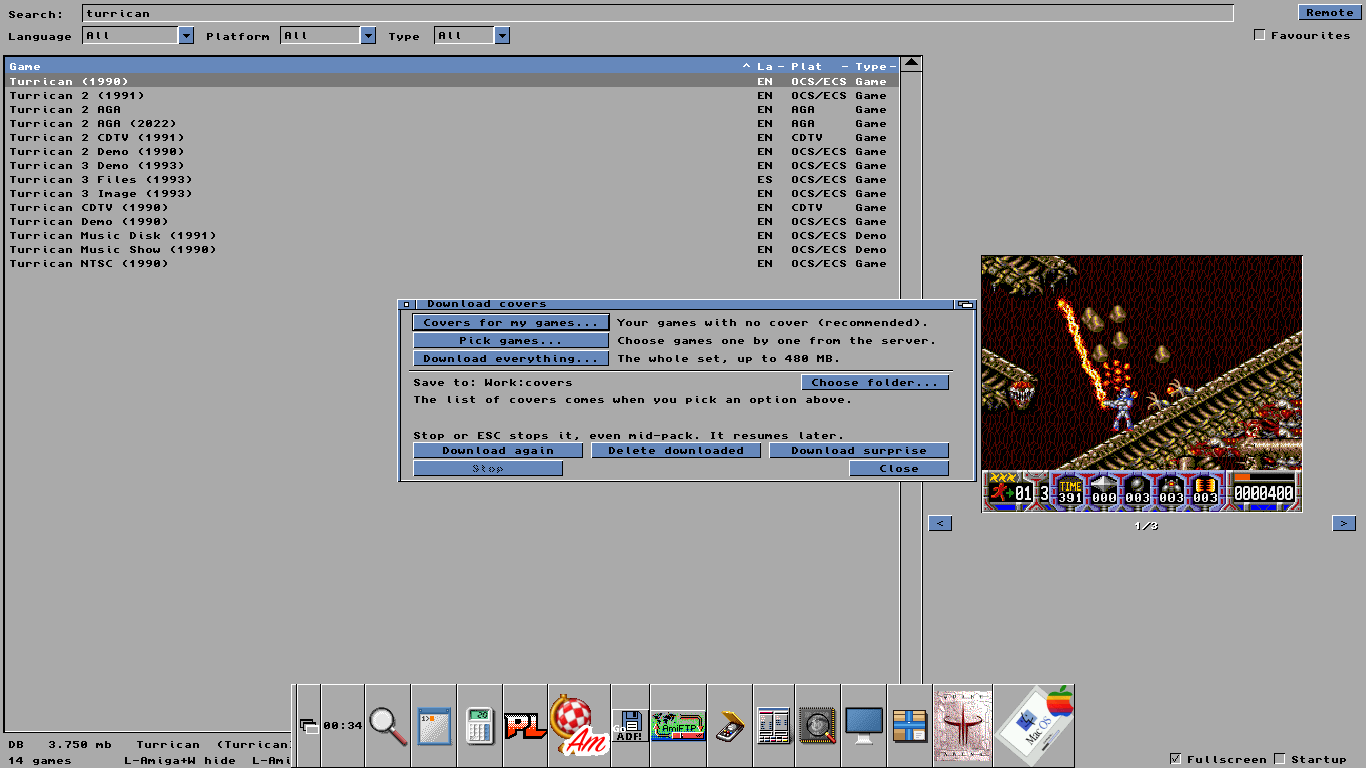
Pocket Launcher, this WHDLoad game launcher for Commodore AmigaIt has received a major update that incorporates Remote Launcher, a new feature that allows you to explore and run games from your collection directly from your mobile phone, tablet, or computer connected to the same home network.
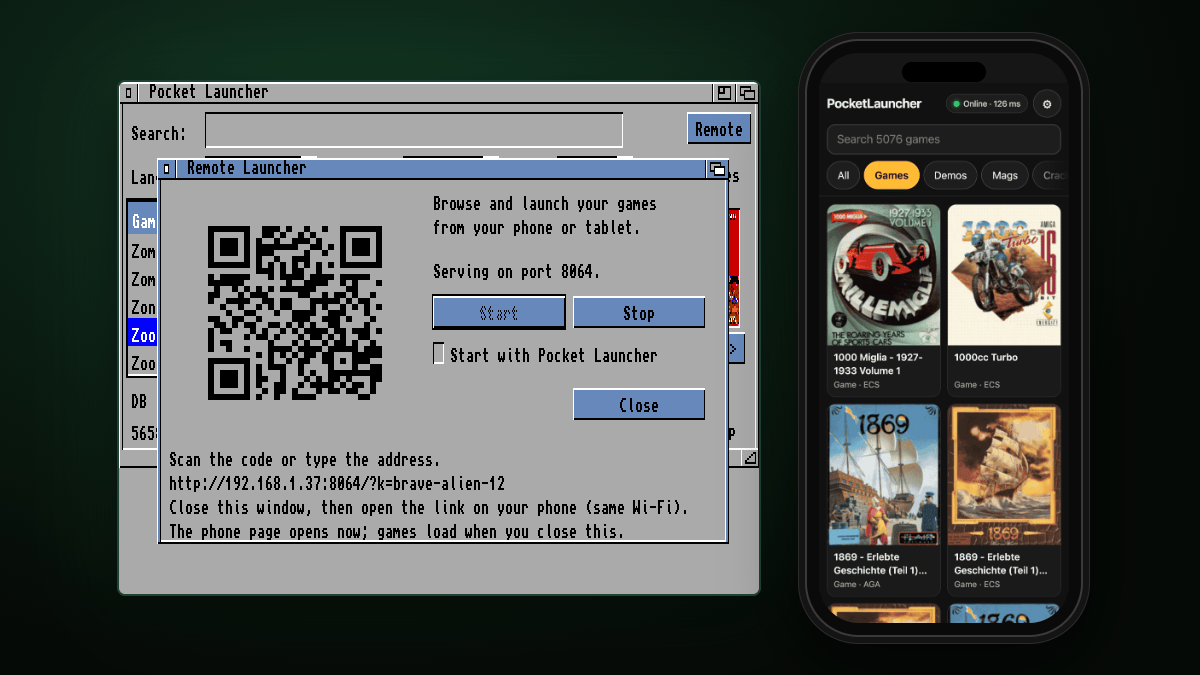
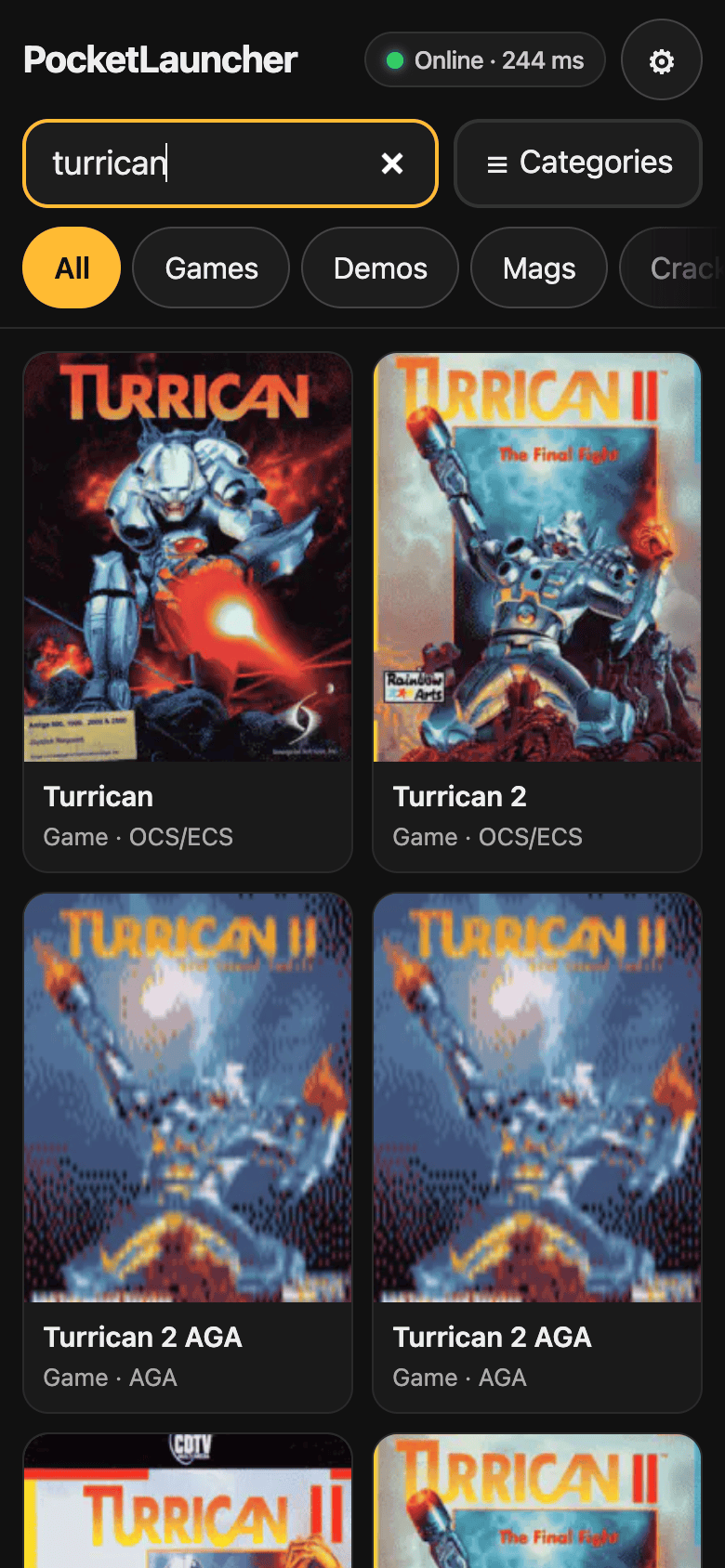
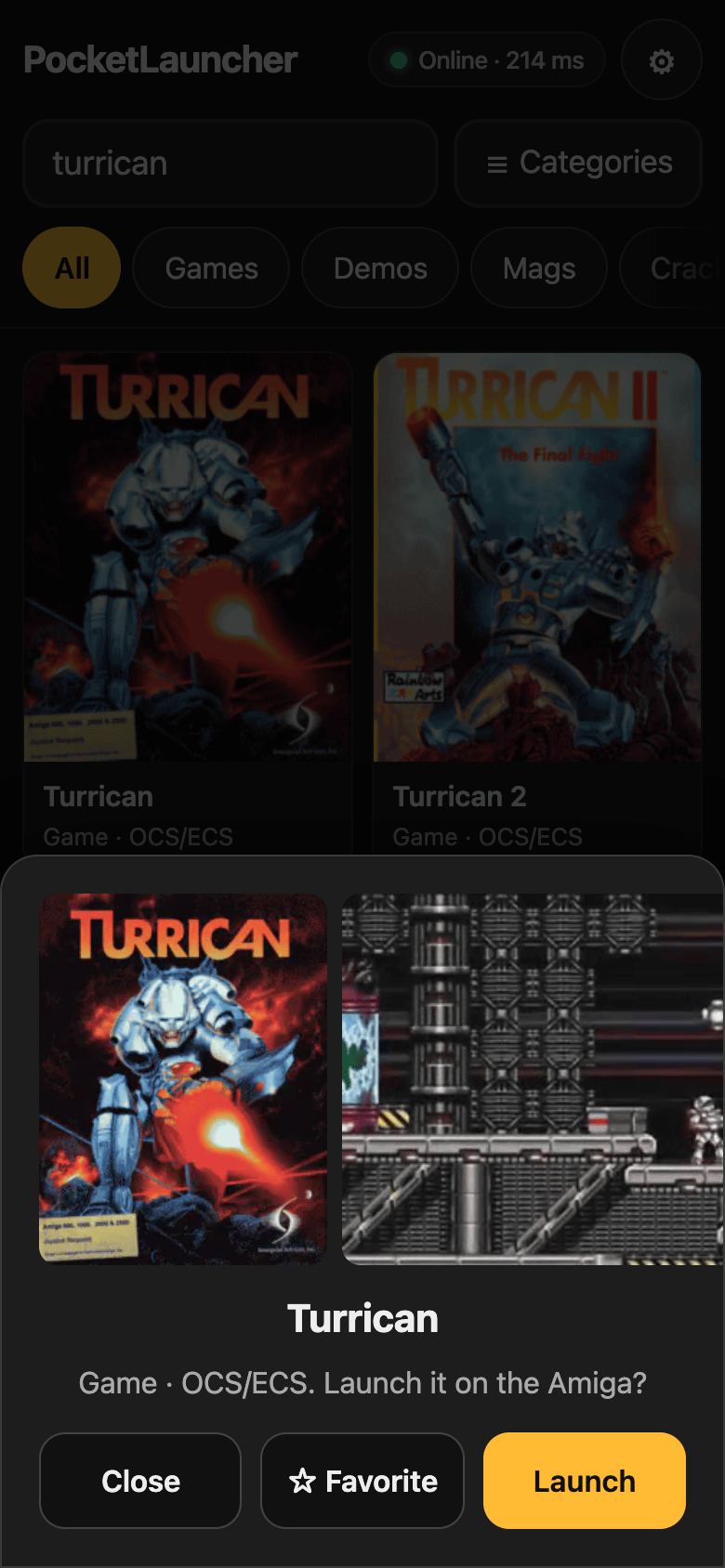
The main new feature is the ability to scan a QR code from the Amiga To access a web interface from the device's browser, we can browse our WHDLoad game collection, view cover art and screenshots, use the search function, organize titles by category, and manage our favorites. Once a game is selected, simply press the launch button to run it directly on the device. Amiga.
One of the most interesting aspects of this feature is that the faceplates are downloaded directly to the device used to control the launcher, preventing the Amiga You have to manage those downloads. Also, after each game ends, the connection is automatically re-established to continue using the remote control system.
Pocket Launcher also allows you to download covers directly from the AmigaThe application can be updated from its own menu and works with different network solutions, such as Roadshow, Miami, AmiTCP, and Genesis. The program handles stopping the network connection before starting games and restoring it afterward.
Despite its capabilities, the developer has maintained the project's philosophy of simplicity. Pocket Launcher is distributed as a single file and works on any device. Amiga Equipped with a Motorola 68000 processor or higher and Kickstart 2.04 or later. It does not require MUI or additional libraries, making it easy to install on a wide variety of classic configurations.
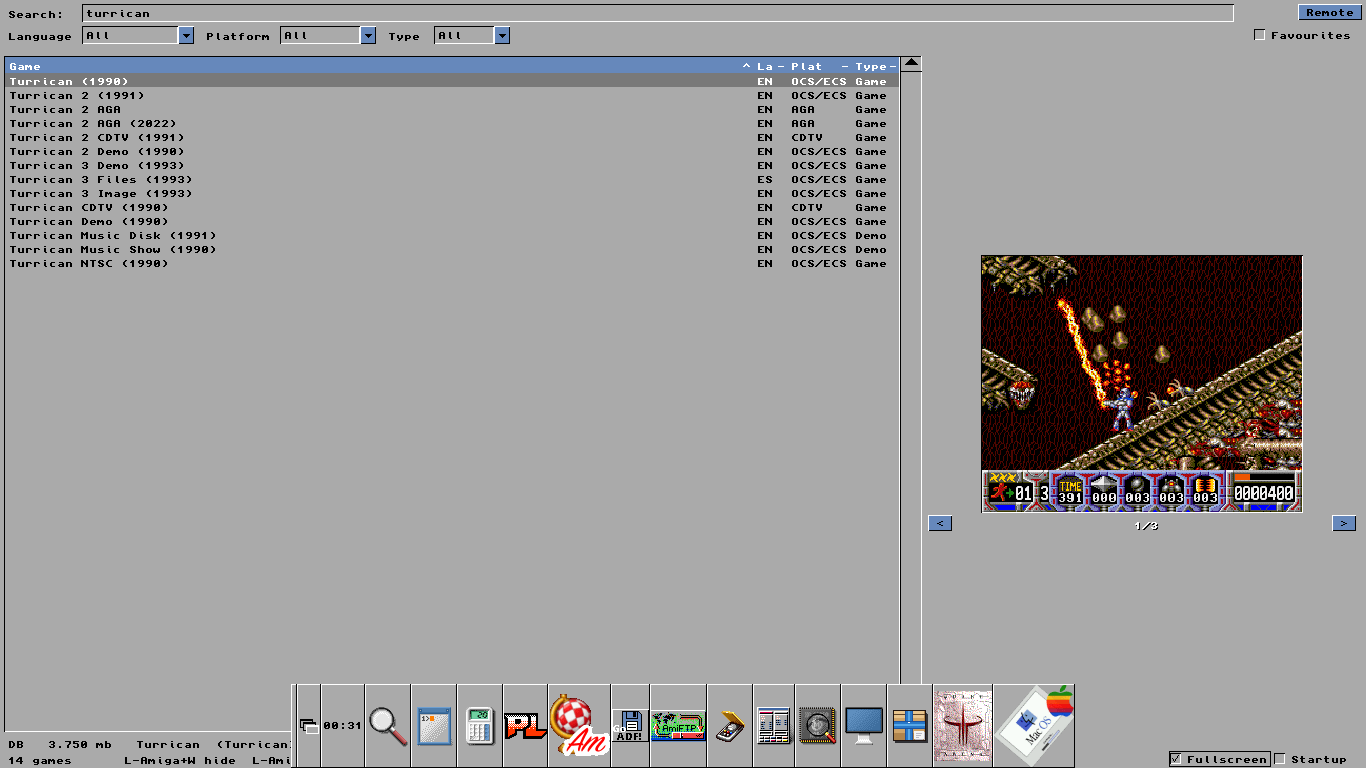
Remote Launcher provides a particularly convenient way to manage large game collections on computers AmigaCombining the capabilities of WHDLoad with an interface accessible from modern devices, without the need to install additional applications on them.
You can find all the details and download Pocket Launcher from the project's official website <<—-